InteleViewer: Convenient, Customizable, and Collaborative

InteleViewer is an advanced visualization system designed to enhance radiologists' productivity, accuracy, and collaboration. With seamless access to patient studies, full DICOM support, and powerful tools for image manipulation, InteleViewer augments the reading environment for superior outcomes. 

Illustration of a woman wearing a white lab coat, sitting at a desk, and typing on a laptop. A green potted plant is in the background. Two chat bubbles are visible on the screen, suggesting she is engaged in an online conversation.

Efficient Access to Patient Studies

InteleViewer provides a seamless user experience that provides access to all studies for a selected patient. The intuitive interface ensures that radiologists can quickly and easily find and review the necessary information. Whether dealing with multiple datasets or a single study, InteleViewer makes accessing patient data straightforward and efficient. 

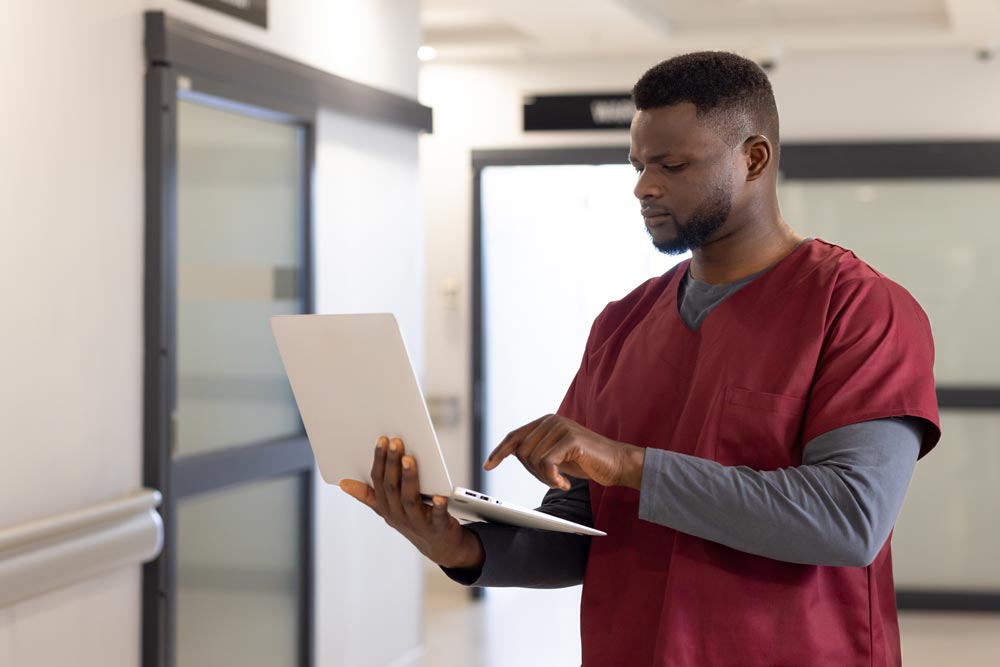
A man in medical scrubs stands in a hallway, using a laptop. He appears focused on the screen, with his fingers poised over the keyboard. The hallway has glass doors and a clean, modern look. The man is dressed in burgundy scrubs with a gray undershirt.

Comprehensive Toolset

InteleViewer comes equipped with visualization tools that allow radiologists to thoroughly analyze imaging. It supports image modalities like CT, MR, X-ray, ultrasound, PET, and mammography, for a broad range of imaging organizations. Advanced visualizations like linked image stacking, 3D imaging cross-referencing, multi-planar reconstructions, maximum intensity projections, and volume rendering enhance the diagnostic environment for maximum accuracy. 

These features enable radiologists to conduct comprehensive reviews utilizing diverse image modalities and visualizations with automatically loaded priors for comparison.  

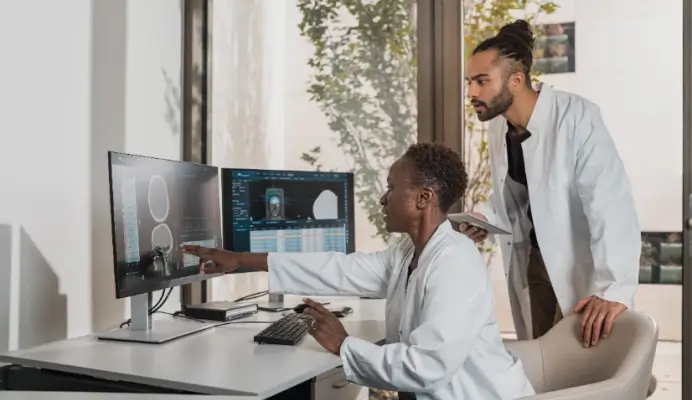
A group of diverse medical professionals in white lab coats are discussing a case in a modern office. Two sit at a desk with laptops and plants, while two stand, one pointing at a tablet. Medical charts and equipment are visible in the background.

Customizable Image Layouts

Radiologists can define customized image layouts, hanging protocols, and sequence protocols to fit their workflow. Hanging protocols automatically arrange images based on predefined preferences, and sequence protocols display studies in a consistent order, streamlining the reading process. This level of customization in the user interface gives each radiologist the freedom to set up their workspace to their preference.

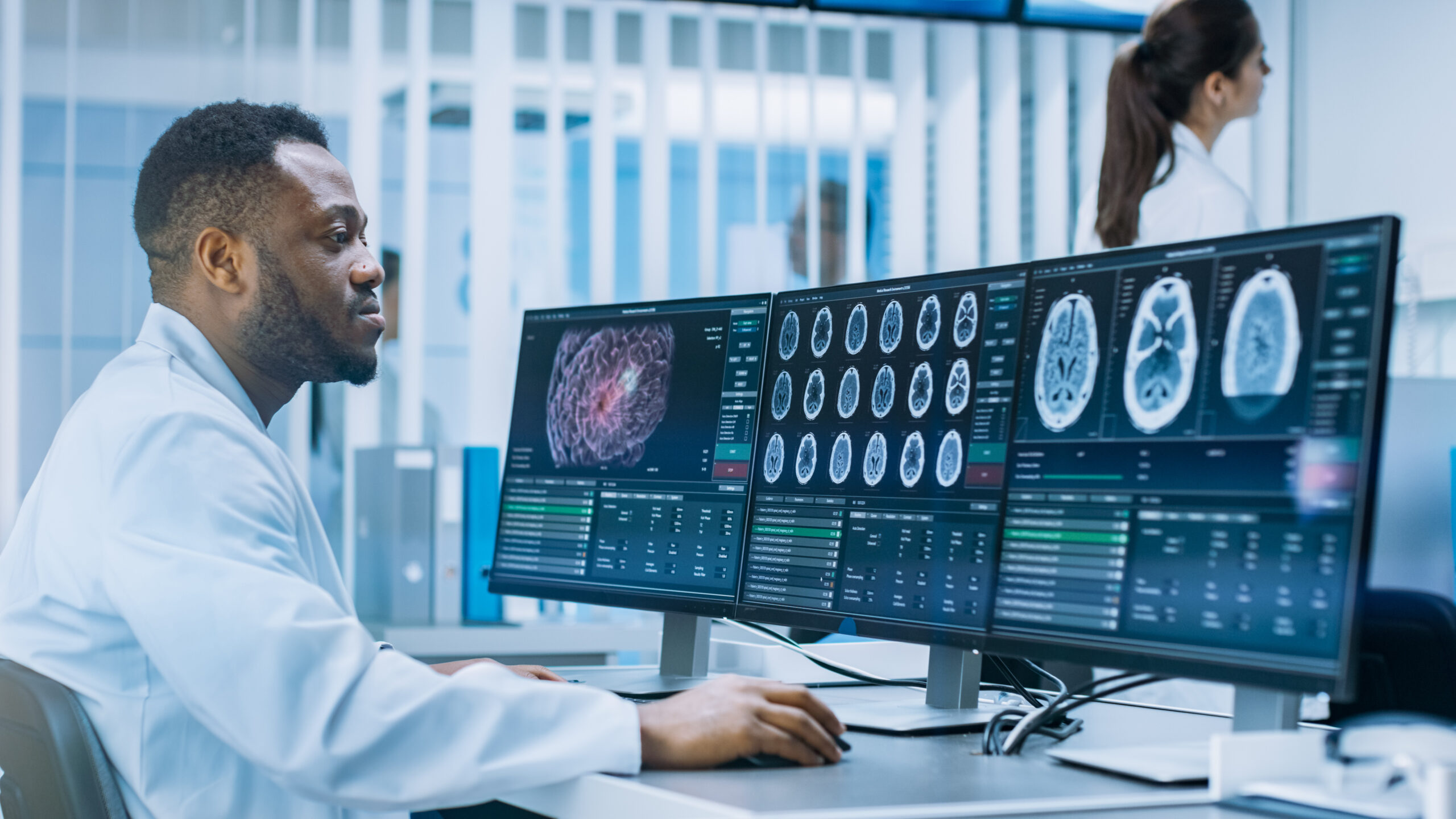
A medical professional in a lab coat is seated at a desk, closely examining brain scans displayed on three large computer monitors. Another person in a lab coat is seen in the background. The setting appears to be a modern medical or research facility.

Critical Results Management

InteleViewer includes a Critical Results Management system designed to ensure that critical findings are communicated efficiently and effectively. This system automatically sends alerts to designated recipients when a critical finding is identified via email, SMS, or within the InteleViewer system. If a critical result is not acknowledged within a specified timeframe, the system automatically escalates the notification to another provider or supervisor, ensuring that urgent findings are addressed promptly. 

A man with gray hair and a beard, dressed in a white lab coat, stands by a bright window and looks at his smartphone. He appears focused and concentrated.

Web-Enabled Convenience and Collaboration Features

InteleViewer provides a remote reading experience with lossless image streaming so radiologists can access high-quality imaging from anywhere without dealing with extended loading times.  

The web-based access functionality enables remote reading, fostering collaboration with colleagues even when they are not in the same physical location. Conference mode allows for live review and discussion so multiple users can view the same images simultaneously. For asynchronous teams, the share annotations feature allows radiologists to add notes, measurements, and highlights to images for collaborative review.

A woman with long, wavy hair sits at a desk in a bright office, smiling as she looks at a tablet. She has one hand on her chin and a laptop open in front of her. The background has white shelves with neatly arranged files and decor items.

Discover the Power of InteleViewer

Enhance your radiology practice with InteleViewer's advanced image viewing capabilities, customizable tools, and collaborative features. Want to learn more about how InteleViewer can boost productivity and accuracy? Fill out the form to speak with an expert and explore how our solution can transform your workflow.

Connect with Us

Enter your contact information to speak with one of our experts.